

The more I dive into the world of home labs and self-hosting, the more I realize one thing. Far too many of my secrets are stored in plaintext in Dockerfiles, k8s, virtual machines, and the other programs I’m using. I don’t like this, even if it’s on hardware that’s inside my home, so I went looking for a secrets manager that I could use instead. The problem is that most are focused on the enterprise environment, which means subscription pricing.
But then I found one that works for free, and it’s a name you’ll probably recognize. Bitwarden has always been one of the best password managers, with a robust feature set that’s (mostly) available for free. The premium and enterprise features are behind a subscription, but for many users you won’t need those. And you can self-host it on your NAS if you want to reduce cloud dependency, which is always good to see. And it’s got an integrated secrets manager for supplying secrets to your applications when they need them, removing plaintext credentials from your containers and other places.
Why Bitwarden instead of other options?
It’s free, self-hostable, and works across different platforms
Bitwarden is already one of our favorites for the depth of its security features and usability. It works pretty much everywhere, offers cloud and self-hosted options for storing your database, is open source, and has improved the UX over the years. You get MFA with the option of using hardware-based authenticators, passkey support, and pretty much anything else you could want from your password manager.
But where it really shines is in the home lab

Every home lab is different and might be focused on self-hosted services, testing for work use, or any number of other things. I like to limit my reliance on cloud services, and being able to self-host Bitwarden is a huge plus when I was looking for a password managerfor my home lab. Then I can keep all the various logins, API keys, and other secrets on hardware I control.
Bitwarden Secrets Manager is perfect for the home lab
You don’t need an enterprise subscription to benefit from this fantastic tool
The Secrets Manager was designed for centralized secrets management for organizations, but that just means it’s perfectly overkill for home lab users. If you use GitHub or other repositories to hold your home lab software or documentation, you might have realized that storing API keys and other secrets in plaintext is a bad idea.
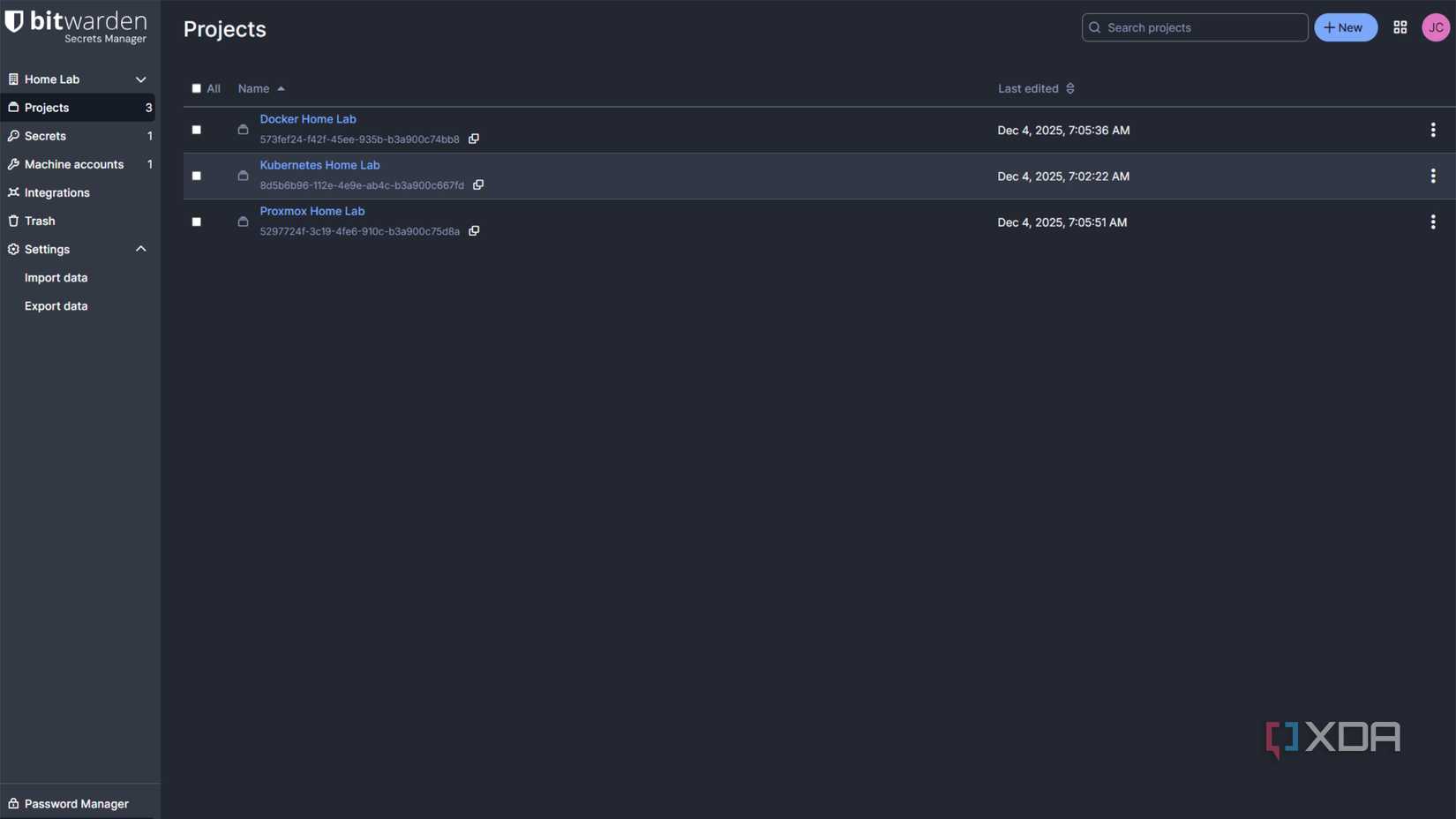
Instead, securely saving them in the Secrets Manager gives you fine-grained control over which apps and which users can access those secrets, while providing just-in-time access for your applications at runtime. Secrets are handled inside Projects, which their attached users can then control.
Your projects can have any number of secrets, or key-value pairs for accessing important services. These could be things like (but not limited to):
- API Keys
- Application Configurations
- Database Connection Strings
- Environment Variables
And you can build Machine Accounts, or non-human users that provide the linking between the password vault and your applications at runtime so that you can build in automation.
It’s easy to inject secrets into your Docker workflow

The primary way to access and inject secrets from your Bitwarden Secrets Manager is via the CLI, a standalone executable called bws that handles retrieval, decoding, and injection of your secrets. While you could manually access it from your Docker environment, it’s more fun to use the advanced method and include it in your Dockerfile.
This installs curl and jq, then adds bws to your Docker image, and runs a script to create an environment variables file for injection with the secrets you specify. It’s elegant, requires only a one-time setup, and helps you get used to creating your own Docker images.
The other thing you need is an entrypoint.sh file which handles injecting the secrets when you run the container. You can use either of the two methods below, and comment out the one you don’t use:
#!/usr/bin/env bash
# One way to retrieve individual secrets is to use the `get` command and extract the value:
SECRET_1=$(bws secret get fc3a93f4-2a16-445b-b0c4-aeaf0102f0ff | jq '.value')# Another option. this method is sensitive to spaces in the secret name. See the `run` command documentation for more options
bws run -- 'echo $SECRET_NAME'# Run your project
I find it’s easier to use the GET command, just so there are no ambiguities if several secrets have similar names. Then it’s a matter of chmod +x to make that sh file executable, and build your Docker image with docker build -t image-name.
When running your Docker container, you’ll also need to add your Bitwarden Secrets token to the arguments:
docker run --rm -it -e BWS_ACCESS_TOKEN=image-name
This starts your container, retrieves the secrets specified in the compose file, and injects them into the container’s environment. That means no sensitive values are included as plaintext, keeping passwords, API keys, and other important secrets safer.

I tried these Docker containers and now I can’t live without them
These Docker containers will blow your mind
Bitwarden gives you more, for free, than other password managers
There are plenty of password managers that are either free or have free tiers, but none give you the depth of options that Bitwarden allows. With self-hosting, secret management, and other advanced features, it’s the best place to store all the API keys, passwords, and other secrets my home lab has accumulated.
