

Self-hosting AI has quietly become part of my daily workflow. I already run multiple local LLMs through Ollama for writing, research, and quick experiments, mostly because I prefer control, privacy, and predictable performance over cloud tools. Over time, though, I realized something was missing. While local models were powerful, I was still doing too much manual work around them.
That curiosity pushed me to try something different: adding an autonomous layer on top of my self-hosted setup. That’s how I started running AgenticSeek locally, a fully self-hosted AI agent that doesn’t just assist, but actually handles tasks end-to-end on my machine.
Fully autonomous AI agent actually means
Goal-driven AI agents that actually get things done

Most AI we use today is “reactive.” You give a prompt, it gives an answer, and the conversation ends. A fully autonomous AI agent is different; it’s “proactive.” Instead of just talking, it acts.
The autonomous AI agent is very different from a normal chatbot. Think of it as giving a project to a smart assistant rather than asking a question to a search engine. When you give an agent a goal like “research this company and write a summary”, it doesn’t just generate text. It breaks that goal into smaller steps: it opens a browser, searches the web, clicks links, reads pages, and saves files.
If it hits a dead end or a 404 error, it doesn’t give up; it thinks of a different way to get the info. It manages its own “loop” of reasoning and action until the job is done.
What is AgenticSeek?
Prerequisite and installation
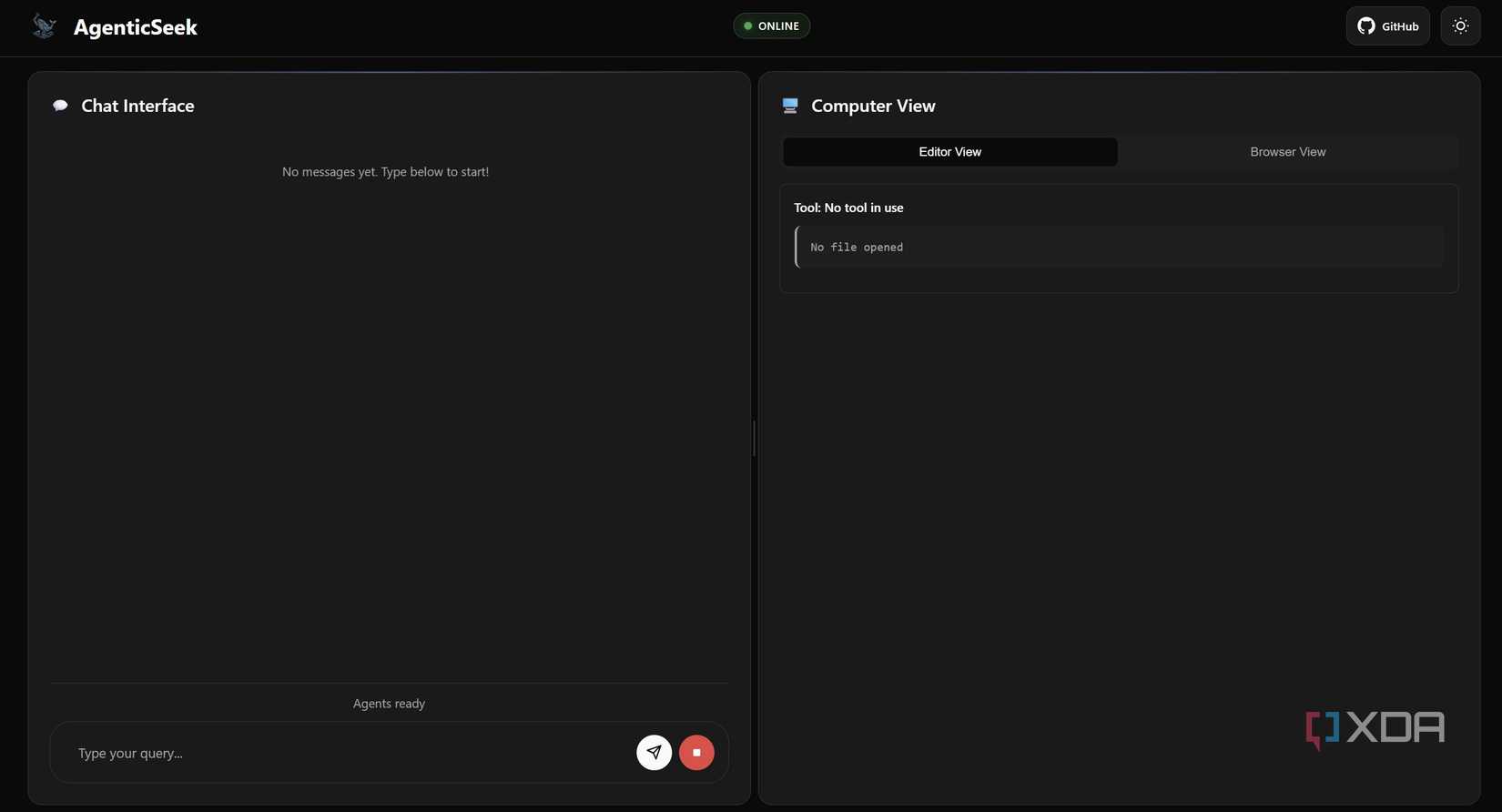
AgenticSeek is an open-source framework designed to be a “Local Manus AI”, a tool that doesn’t just chat, but actually executes tasks on my computer. I use it to browse the web, scrape data, and write code, all while knowing my files and search history never leave my local network.
Getting it running on my Windows machine was surprisingly straightforward. Before diving in, you’ll need a few prerequisites: Python 3.10.x (or higher), Git, and Docker Desktop. You’ll also need Chrome installed, as the agent uses it for web tasks.
The magic happens once you have Docker running. Here is how I set it up:
- Clone the Repo: I opened my terminal and ran git clone https://github.com/Fosowl/agenticSeek.git.
- Environment Setup: I navigated into the folder and copied the .env.example to a new file named .env.
- Docker Power: Instead of manually installing complex databases, I just used the included start_services.cmd. This automatically pulls and starts SearxNG (for private searching) and Redis (for the agent’s memory) inside Docker containers.
- Install Python Packages: Finally, I ran pip install -r requirements.txt and pip install pyreadline3 pyaudio for the Windows-specific bits.
Once that was done, I was ready to connect it to my local LLM and start offloading my daily chores.

I tried this open-source platform to self-host LLMs, and it’s faster than I expected
Self-hosting LLMs is faster than you think
I use it with my Ollama instance
Without even touching the cloud

I run AgenticSeek with my local Ollama setup, which keeps everything simple and fully self-hosted. Instead of relying on external APIs, I connect the agent directly to a local LLM running on my machine. For my workflow, I mostly use the deepseek-r1:14b model through Ollama, and it has been reliable for research, planning, and writing tasks.
The setup was straightforward. Once Ollama was running locally, I just pointed AgenticSeek to the local endpoint and selected the model. From there, it worked like any other autonomous agent, like planning steps, calling tools, and executing tasks without needing cloud access.
AgenticSeek does support cloud-based LLMs if you want faster responses or larger models. But personally, I prefer Ollama because it gives me full control, predictable performance, and complete privacy while running everything on my mid-range GPU.
My experience running it on a mid-range GPU
Performance on my daily work machine
I’ve been running AgenticSeek on my daily setup: an NVIDIA GeForce RTX 5070, 32GB RAM, 1TB SSD, and an Intel Core Ultra 9 Series 2 processor. For a fully self-hosted autonomous agent, the performance has honestly better than I expected.
In day-to-day use, planning steps feel quick, while execution speed mostly depends on the task and model size. With deepseek-r1:14b on Ollama, research workflows and multistep tasks run smoothly without pushing my system too hard. It’s not instant like cloud tools, and there are occasional speed glitches during longer runs, but overall the experience has been pretty good and consistent.
Where I notice limits is during longer chains or complex reasoning tasks. Those can slow down and sometimes need small prompt adjustments. Still, the system remains stable, and I rarely run into crashes or memory issues.
Overall, running AgenticSeek locally on a mid-range GPU is pretty smooth. It has enough speed for real work and keeps everything fully offline.

I connected Claude with these 5 apps, and it’s productivity on steroids
Smarter workflows, fewer clicks, faster output
Local AI is actually a productivity booster
Running a self-hosted autonomous agent with a local LLM has genuinely changed how I handle routine work. Instead of juggling tabs, tools, and small repetitive tasks, I now offload them and stay focused on higher-value work. That’s the biggest advantage for me: productivity without distractions.
Independence is the prime benefit. A self-hosted setup means no waiting on APIs, no usage anxiety, and no workflow interruptions. It simply fits into my daily system and keeps running in the background. If you already run local LLMs, adding an autonomous layer like this feels like the “not to miss” logical step.
